
置き忘れ防止と置いた場所メモ

出たところで、
「持った?」と聞く。

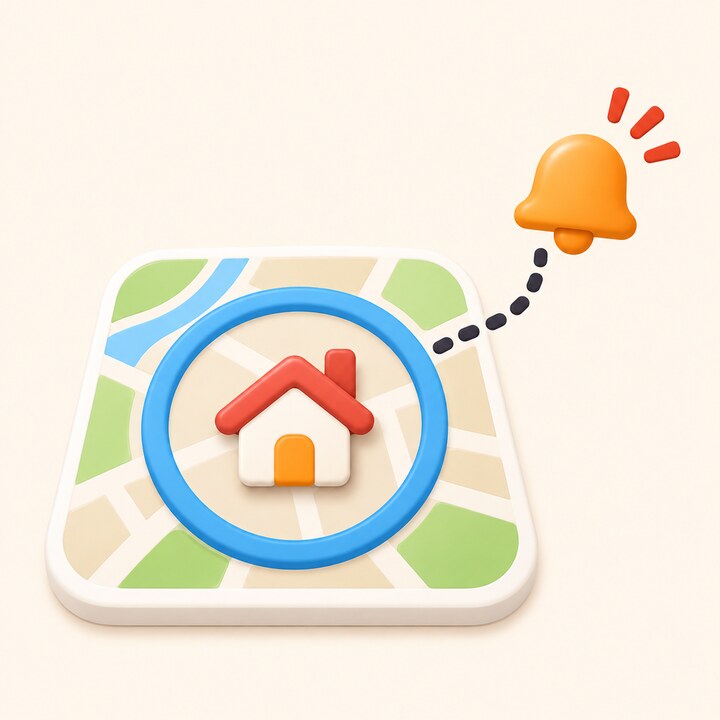
家・職場・駅を決めておくと、そこを出たときに「鍵・財布・傘を持ちましたか」と知らせます。置いてきたものは、置いた場所を地図で見られます。

App Store・Google Play で配信予定

買い切りで全部の機能が使え、アプリ内課金・サブスクリプション・広告はありません。アカウントも、サーバーへの送信もありません。
玄関の壁のフックに掛かった鍵と、境界の円のイラスト

OS が許す範囲で、本当に動くことだけ

場所を出たら「持った?」

家や職場の円から出たとき、持ち物を並べて知らせます。[持った][戻る]をその場で押せます。

置いた場所のメモ

[ここに置いた]で、持ち物・位置・時刻・ひとこと(写真は任意)を残し、あとで地図で見られます。

安心エリア

家や職場の中では通知しません。気にし続ける必要はありません。

機器の見張り

見つかった Bluetooth(BLE)の機器とのつながりが切れたら知らせます。見つかった機器だけが対象です。

できること・できないこと(正直に)

できる場所の円を出たときの通知(位置の「常に許可」が必要です)/置いた場所のメモ/見つかった BLE 機器の切断の通知
できないiPhone そのものの置き忘れを Apple Watch が知らせること/イヤホンなど一般の Bluetooth 機器の切断を裏で見張ること。iOS はこれを許していません
知っておくこと通知は、場所を出てから数分遅れることがあります。円は 100m 以上を勧めます。電池への影響は、お使いの端末と場所の数で変わります
データ位置・持ち物・メモ・写真は端末の中だけ。サーバーへの送信はありません

Left-behind guard and spot notes

Asked the moment
you step out.

Set your home, workplace or station. When you leave, you get asked "Do you have your keys, wallet, umbrella?". For things you did leave, a map shows where you put them.

Coming to the App Store and Google Play

One purchase unlocks everything: no in-app purchases, subscriptions or ads. No account, nothing sent to a server.

Illustration of keys on an entryway hook and a boundary circle

Only what the OS really allows

"Got everything?" on exit

When you leave a home or work circle, your items are listed. Tap "Got it" or "Go back" right from the notification.

Spot notes

"I put it here" saves the item, position, time and a short note (a photo is optional), so you can see it on a map later.

Safe areas

No notifications at home or at work. Nothing to keep worrying about.

Device watch

Get told when a Bluetooth LE device the app found loses its connection. Only devices the app can find are covered.

What it does, and what it cannot do

Can doNotification when you leave a place circle (needs location "Always"), spot notes, and a notification when a found BLE device disconnects
Cannot doTell you via Apple Watch that your iPhone itself was left behind, or watch disconnects of ordinary Bluetooth devices such as earphones in the background. iOS does not allow either
Good to knowNotifications can arrive a few minutes after you leave. Circles of 100 m or more are recommended. Battery impact depends on your device and number of places
DataLocation, items, notes and photos stay on your device. Nothing is sent to a server